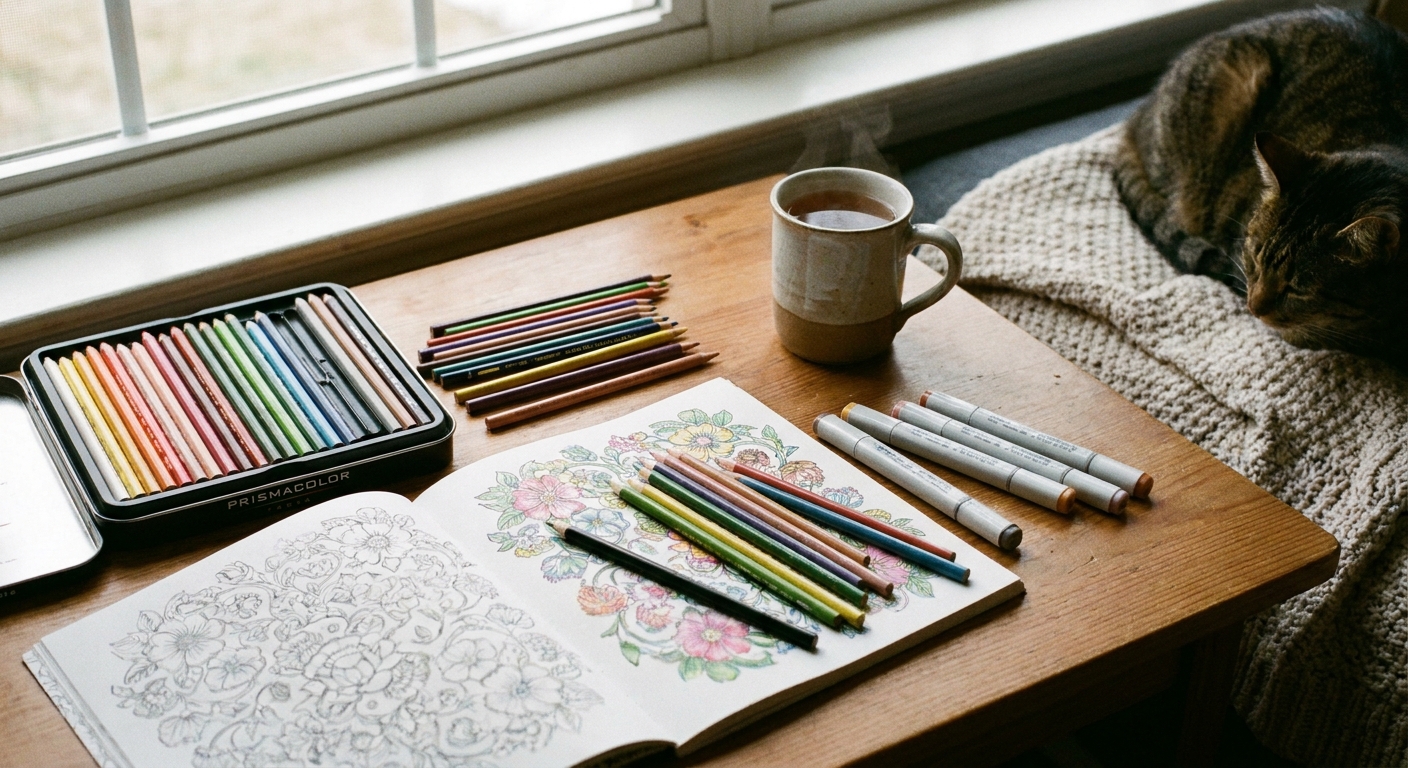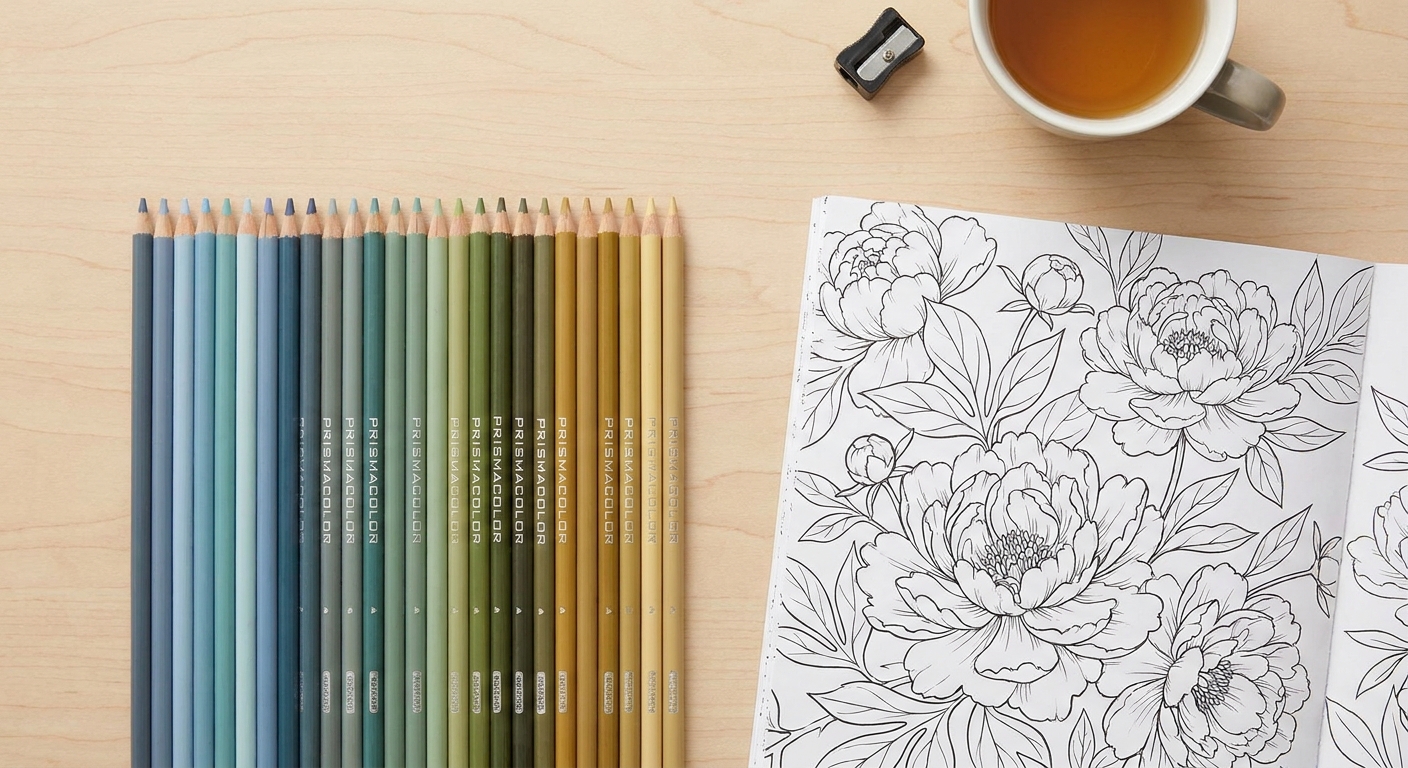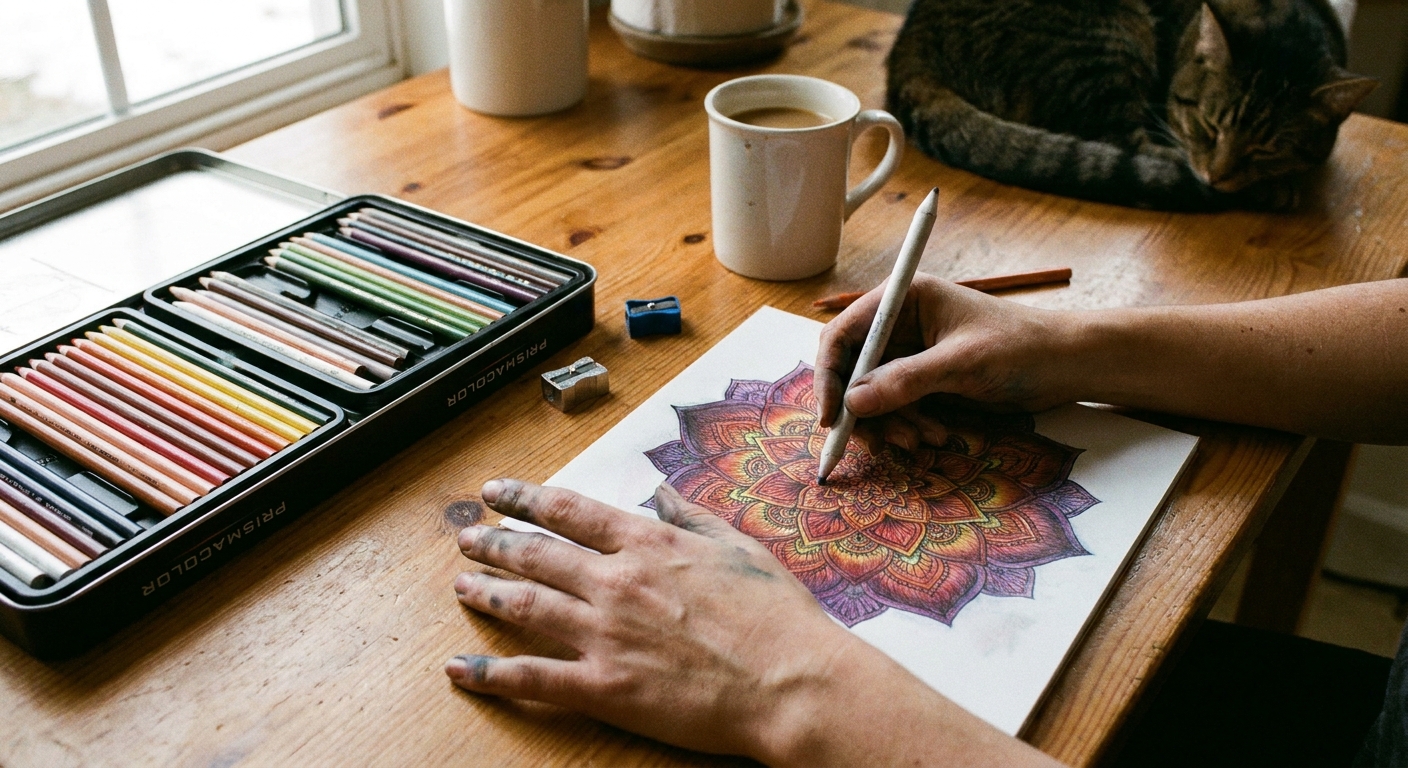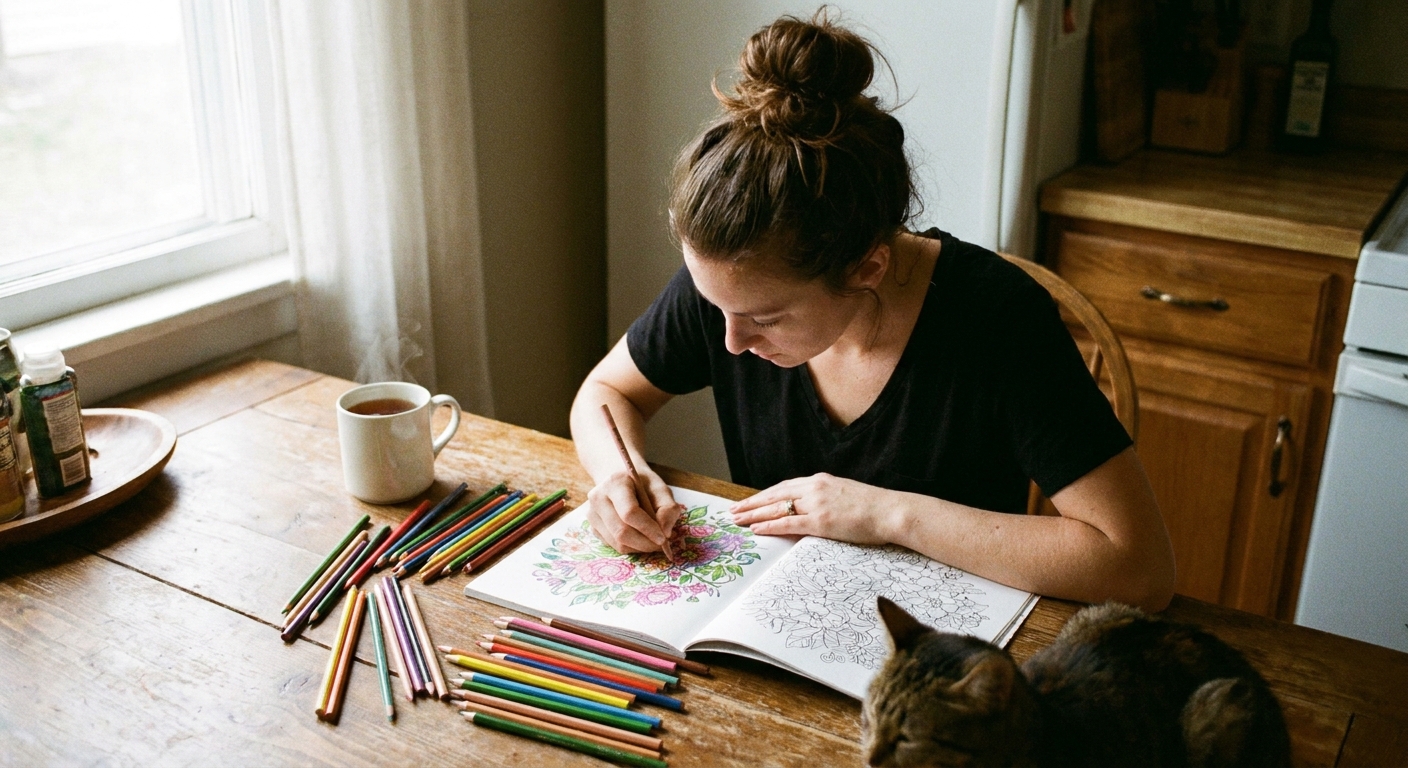

My childhood memory of “creative time” is less of a perfectly organized art cart and more of a dining table sprinkled with pencil shavings, half-finished doodles, and at least one marker missing its cap. I still love that cozy, slightly messy feeling of traditional coloring. But I also have a soft spot for digital coloring, especially when I want to unwind without pulling out supplies.
If you are deciding between coloring on a tablet and coloring on paper, you are not choosing between “real art” and “not real art.” You are choosing between two different kinds of experiences. One is tactile and grounding. The other is flexible and delightfully forgiving.

The quick difference
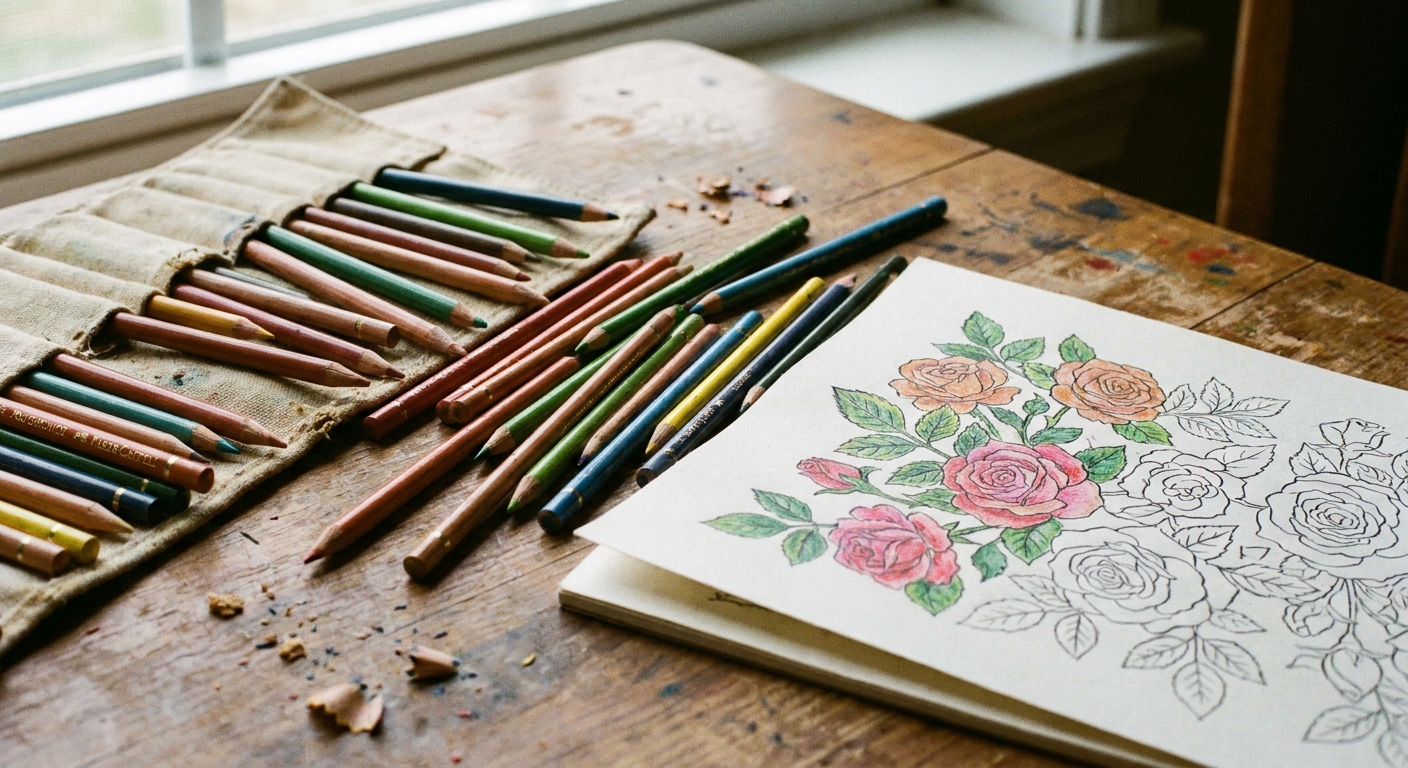
Traditional coloring pages are printed (or drawn) on paper and colored with physical tools like crayons, colored pencils, gel pens, or markers.
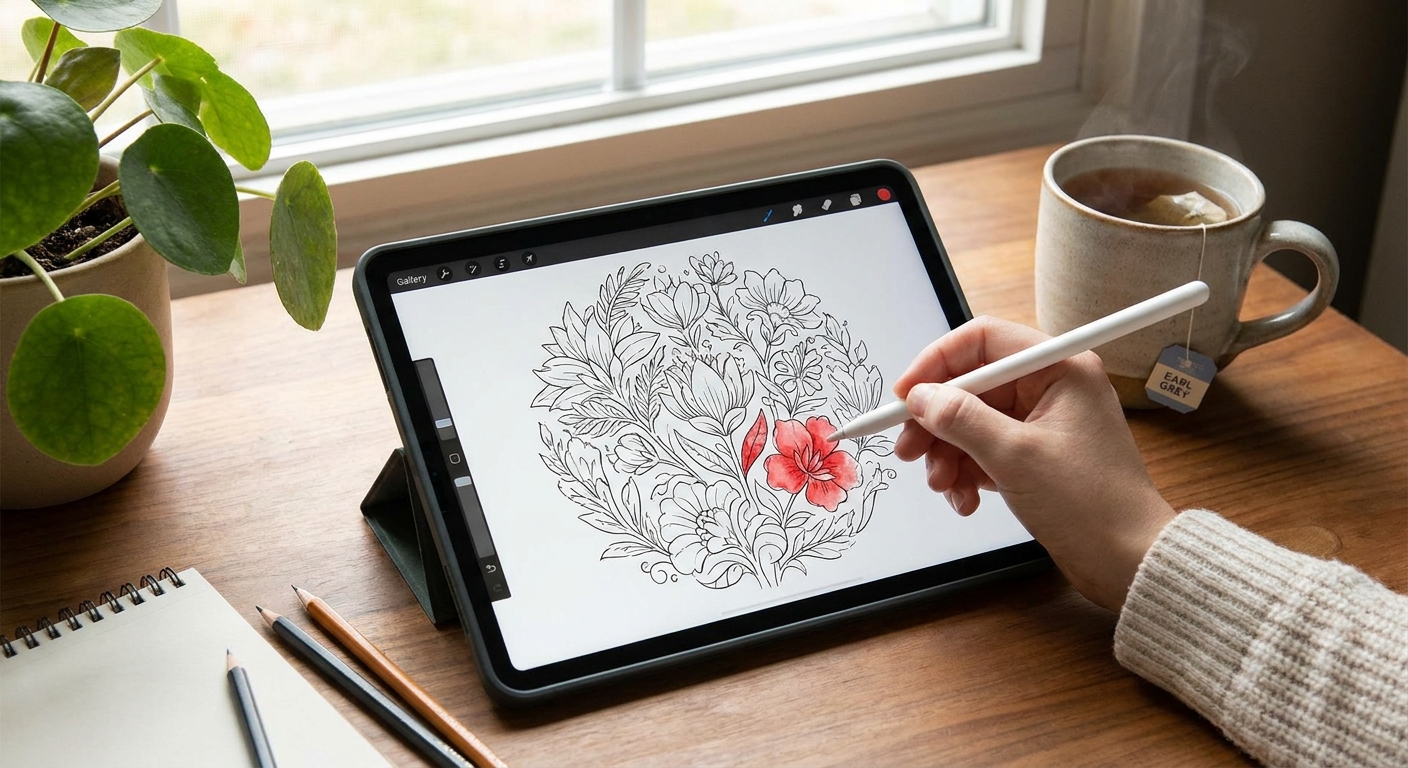
Digital coloring pages are line art files you color on a device (usually a tablet) using an app and a stylus, or sometimes your finger.
Both can be calming. Both can be creative. Both can be “messy” in their own way (yes, even digital, hello accidental palm smudge).
Traditional coloring: why it still feels magical
Paper coloring is the classic for a reason. It slows you down in the best way and gives your hands something real to do.
Pros
- Tactile comfort: The texture of paper, the sound of pencil on the page, and the gentle drag of a crayon can be incredibly soothing.
- No screens: If you already spend your day on devices, paper is a true break.
- Simple setup: A printed page and one pencil is enough to begin.
- Finished pieces are physical: You can hang them up, gift them, or turn them into crafts without exporting files.
- Budget friendly to start: You can color beautifully with basic colored pencils.
Cons
- Supplies take space: Paper, tools, and storage add up.
- Mistakes are harder to fix: You can lighten pencil or cover with creativity, but there is no magic “undo.”
- Marker bleed-through is real: Especially on thinner printer paper.
- Mess factor: Shavings, ink smudges, and the classic “why is there glitter on my elbow?” moment.
If you want help choosing tools, I have a full breakdown of feel and results in Markers vs. Colored Pencils.
Digital coloring: the cozy, portable studio
Digital coloring is like having a whole art drawer tucked inside one slim device. It can be wonderfully calming, especially if you love experimenting with color or want a zero-mess option.
Pros
- Undo is a confidence booster: The ability to undo removes so much pressure, which is perfect if the blank page intimidates you.
- Endless color without buying more: Palettes, gradients, and custom colors are always available.
- No drying time and fast switching: You can blend, layer, and change tools quickly (and usually instantly).
- Portable and tidy: Great for travel, waiting rooms, or coloring in bed without waking anyone with a sharpener.
- Easy duplicates: You can color the same page multiple ways without printing again.
Cons
- Upfront cost: A tablet and stylus can be pricey compared to a pack of pencils.
- Screen fatigue: If screens already drain you, digital coloring may not feel as restorative.
- Learning curve: Apps have tools and settings that can feel like a lot at first.
- Less tactile feedback: Even with a textured screen protector, it is different than paper.
- Battery and distractions: Notifications and low power mode are not as peaceful as a quiet table.
One quick expectation setter: app features vary a lot. Some apps make layers, fill tools, and palm rejection easy. Others keep things simpler. If yours does not have a certain tool, you are not doing anything wrong.
Quality and the look
They can, but not in a “better vs worse” way. It is more like different kinds of pretty.
- Traditional tends to show texture: Pencil grain, paper tooth, and marker streaks can add charm and warmth.
- Digital tends to look smooth: Flat fills, clean edges, and even shading are easier to achieve quickly.
- Blending is different: On paper, blending is physical. Digitally, it is controlled by brush settings, smudge tools, and opacity.
If you love that soft shaded look on paper, this guide helps a ton: How to Blend Colored Pencils for Smooth Shading.
Traditional basics
What you need
- A coloring page printed on paper
- Colored pencils, crayons, or markers
- A flat surface and good light
My beginner-friendly setup tips
- Choose paper based on your tool: If you use markers, thicker paper helps reduce bleed-through. For home printing, a heavier printer paper can feel nicer if your printer can handle it.
- Protect the next page: Slide a scrap sheet underneath to catch marker bleed or heavy pressure.
- Start with a small section: Color one leaf or one corner first. Momentum is everything.
- Pick a limited palette: Try 3 to 5 colors and repeat them. It instantly looks cohesive.
For a broader overview of choosing pages and supplies, visit our guide to coloring pages.
Digital basics
What you need
- A tablet or touchscreen device
- A coloring or drawing app
- Optional but helpful: a stylus
- A coloring page file (often a PNG or JPG, or a scanned or photographed page)
A simple first workflow
- Get your page into the device. You can start with a digital line art file, or take a clear photo of a printed page in good lighting.
- Open it in your app. Import the image to a new canvas.
- Create a new layer for color. Place it underneath the line art layer if your app allows. This keeps outlines crisp.
- Choose one brush and one color. Keeping it simple makes the first session actually relaxing.
- Block in flat colors first. Think of it like laying down a base coat.
- Add shading last. Lower opacity, pick a slightly darker tone, and gently build shadows.
Two tips that save frustration
- Turn on palm rejection if you use a stylus. It prevents accidental marks from your hand resting on the screen (if your device and app support it).
- Zoom is your friend. Zoom in for tiny areas, zoom out to check overall balance.

Which one is best for you?
I like to match the method to my mood, and you can do the same.
Traditional might be your happy place if
- You want a screen-free unwind
- You love the feel of paper and tools
- You want something you can craft with afterward
- You enjoy collecting pencils, pens, or markers
Digital might be perfect if
- You want portability and zero mess
- You are anxious about “ruining” a page and love the idea of undo
- You want to test lots of palettes quickly
- You do not have space for supplies
Yes, you can do both
Some weeks I color traditionally at the kitchen table, then digitally in the evening when I want to keep things quiet. You do not have to commit to one identity. You are allowed to be a “both” person.
Craft ideas for finished pages
This is where traditional coloring has a big, happy advantage. Once a page is colored, it can become something you can hold, mail, or display.
- Make a greeting card
- Frame your favorite section
- Cut out shapes for a collage notebook cover
- Use it as gift wrap for small boxes
If you want a simple, satisfying project, try turning a coloring page into a folded card.
Common questions
Is digital coloring cheating?
No. It is still you choosing color, making decisions, and spending time creating. The tool does not cancel the creativity.
Can kids do digital coloring?
Absolutely, with supervision and kid-friendly settings. For some kids, digital coloring can feel easier on small hands because undo reduces frustration, but it really depends on the child, the device size, and whether the stylus grip is comfortable.
What if I do not have a printer?
You can still enjoy traditional coloring by drawing simple shapes yourself, coloring in a sketchbook, or printing occasionally at a local print shop. Digital coloring can also fill the gap nicely if printing is a hassle.
How do I get unstuck when I do not know what colors to pick?
Pick one “star” color you love, then choose two neutrals and one accent. Or, when you want a deeper reset, I walk through gentle ways to restart in Coloring Your Way Out of Creative Block.
Pick what you will use
If paper makes you feel calm, go traditional. If undo makes you brave, go digital. If your life changes week to week, give yourself permission to switch.
The whole point here is to make creativity feel welcoming. However you color, you are doing it right.
If you want to learn more about what we do here, you can visit About Free Coloring or read more from me on my author page.